
Verify the download source
Read the full domain and confirm installer provenance. A search ranking or a message from a stranger is not proof of authenticity. Pause on unexpected permissions.
✓ Check provenanceRead the guide🔐 Own your credentials. Know every transaction.
Explore a self-custody approach to digital assets. Learn how local credentials, offline recovery plans, multi-chain overviews and deliberate transaction checks fit together.
Explore the six-step journey →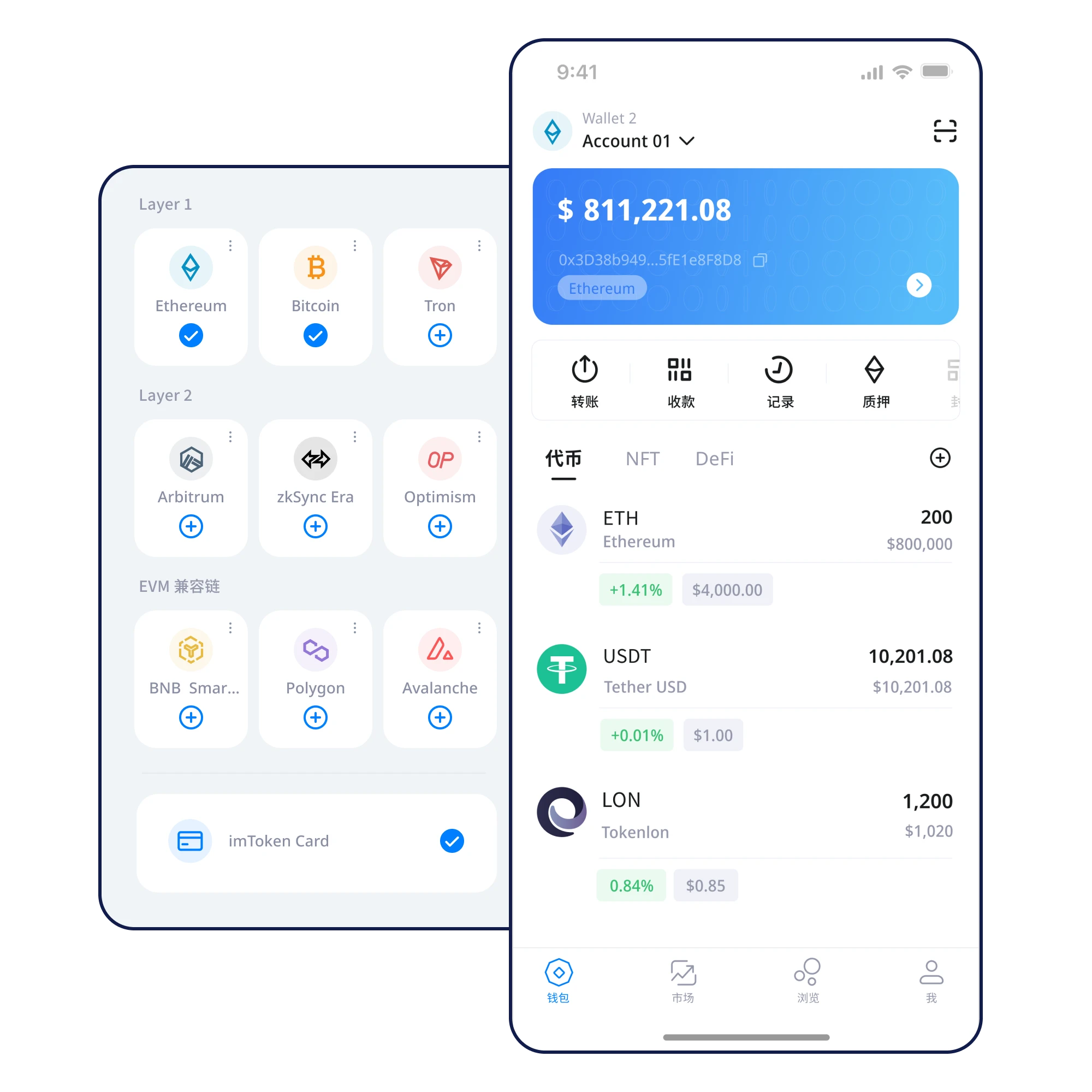
PRODUCT OVERVIEW
This static interface preview uses illustrative balances and statuses, not live prices or real account data.
Total assets · Demo
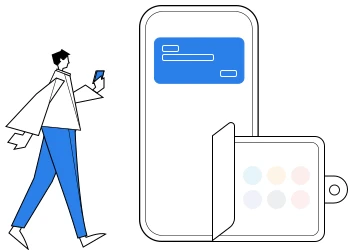
Token names can appear on multiple chains. Learn to separate assets by network, confirm contracts, and inspect transaction status instead of relying only on a total balance.
Explore multi-chain assetsGETTING STARTED
Each step highlights a decision worth checking, not just another button to press.
Read the full domain and confirm installer provenance. A search ranking or a message from a stranger is not proof of authenticity. Pause on unexpected permissions.
✓ Check provenanceRead the guideDistinguish a new wallet from restoring existing credentials. Protect the device and remember that an app passcode is not a recovery phrase.
✓ Choose the right flowRead the guideWrite the words offline in order. Avoid screenshots, cloud drives, and anyone claiming they need the phrase for support.
✓ Check the word orderRead the guideKeep a legible, protected backup you can locate later. Losing the only recovery copy can make wallet access impossible to restore.
✓ Protect the backupRead the guideChoose the right blockchain and confirm token contracts. If a balance is missing, inspect network context before transferring again.
✓ Check chain contextRead the guideCompare address, blockchain, asset, amount, and fees. Be cautious with unfamiliar approvals; cancel when anything is unclear.
✓ Inspect every fieldRead the guideCAPABILITIES
Separate local wallet credentials from online account logins and understand the different roles of a passcode, private key, and recovery phrase.
Learn more
A backup is useful only when it is accessible and accurate. Prepare for device changes before they become urgent.
Learn more
Whatever blockchain you use, independently inspect the network, recipient, amount, and permissions before signing.
Learn moreSECURITY BY DESIGN
Know where secrets are held and who has access. Never disclose them to an outside service.
Read network, destination, amount, and contract permissions before signing.
Verify offline backups before important operations, and compare known addresses after migration.
EXPLORE
Move between essential setup skills and the security decisions that follow.
REAL-WORLD MOMENTS
Token symbols are not unique identities. Confirm the chain and token contract.
Asset guideCheck the backup, restore on a trusted device, and compare your known addresses.
Migration checklistInspect the URL, never share a phrase, and question unfamiliar approvals.
Phishing guideSAFETY CHECK
No wallet removes every risk. Establish a reliable review process and pause when information is missing.
FAQ
Clarify credentials, chains, and transaction checks before you act.
See all questionsThis site explains self-custody principles. Verify the actual product’s key handling and software provenance before relying on any custody claim.
Live balances and transaction broadcasts generally need a connection. Offline backup and some credential management tasks do not.
Write it down privately, verify the order, and store it securely offline. Avoid screenshots, cloud notes, chat messages, or shared documents.
A private key usually authorizes an account. A recovery phrase may restore a set of wallet accounts. Neither belongs in a support message.
Your next step · Start securely
Verify the source and your device first. Back up your credentials offline before managing assets.
⬇ Download Now